
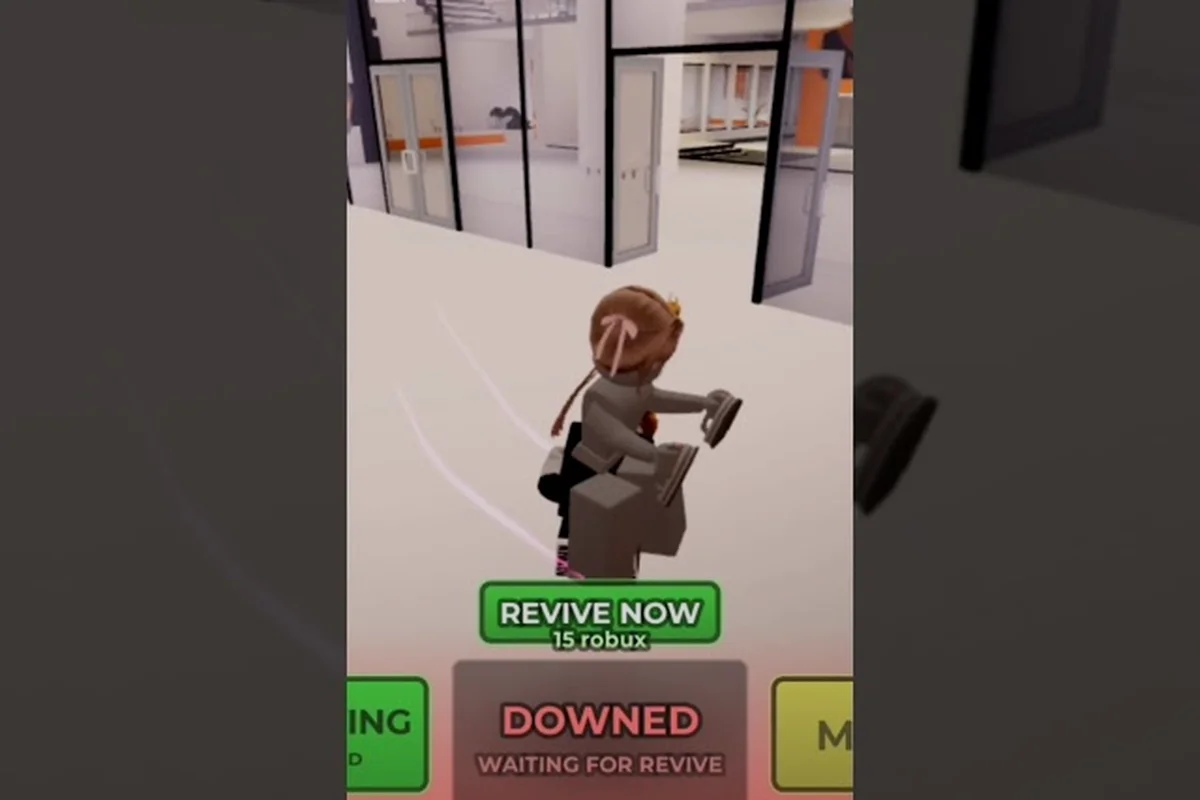
Surviving your first five rounds in Evade comes down to three habits: sprinting only when a Nextbot is closing in, breaking line of sight around corners instead of in open halls, and spending earned currency on revives rather than cosmetics. This Evade Roblox beginner guide gives new players a clear path from the lobby screen to confident chases, with the exact keybinds, round structure, and early-round decisions that separate first-day players from those who keep dying on round one.
Getting Into a Round and Reading the Lobby
Evade is a co-op multiplayer round-based game on Roblox where the entire lobby races to outlast a series of Nextbots that hunt the group across procedural maps. Before any chase starts, you spawn in the pre-round lobby with other players, and the host cycles through a vote for the next map and difficulty. The official Evade game page lists the supported controls, and learning them before round one saves you the panic of fumbling the keyboard while a Nextbot is closing on you.
Core Keybinds Every New Player Needs
| Action | Default Key | When You Use It |
|---|---|---|
| Interact (doors, items) | E | Opening gates, grabbing medkits, picking up currency |
| Crouch | C | Sliding under low obstacles, hiding in lockers |
| Emote | G | Cosmetic, but useful for signaling teammates |
| Whistle | T | Calling teammates without typing in chat |
| Menu | M | Checking round stats, inventory, settings |
| Equip item (slot 1) | 1 | Switching to your primary tool |
| Equip item (slot 3) | 3 | Switching to your secondary tool |
| Equip item (slot F) | F | Quick-swap to your sidearm or utility |
| Usables menu | 2 | Selecting throwables and deployables |
These keybinds match what the official Evade page on Roblox lists in its current control layout, so the table above stays accurate as of October 2026. Bind E to interact early, because the gap between surviving and dying on the first map often comes down to whether you remembered to tap E on a closing gate before the Nextbot caught up.
Lobby Etiquette and Map Voting
Each lobby holds eight to twelve players, and the map vote uses a simple majority. New players should pick the map with the fewest vertical obstacles first, because flat maps teach the sprint-and-corner rhythm before you add ladders, ziplines, and collapsing floors to the mix. According to community testing, beginners who pick flat maps survive roughly twice as many rounds in their first session compared to those who jump straight into vertical maps with moving hazards.
Movement Is the Whole Game
The single biggest mistake new players make is sprinting constantly, which drains stamina and leaves them unable to dodge when a Nextbot actually closes in. The core rhythm is a slow jog by default, a sprint only when a Nextbot is on screen, and a sharp turn at every corner to break the Nextbot's tracking line.
The Three Movement Rules
-
Default to a jog, not a sprint. Stamina regenerates while you jog, but drains in about four seconds of full sprint. Reserve sprints for the moment a Nextbot appears.
-
Always move perpendicular to the chase at doorways. A Nextbot tracks the last direction you were heading, so cutting sideways at a door is the cheapest escape you have.
-
Crouch-slides buy you a second of invulnerability to most contact damage. The C key activates a slide that lets you slip under low obstacles, and sliding through a doorway makes the Nextbot's hitbox miss you.
Players who follow these three rules during their first hour of Evade typically reach round five or higher, while players who sprint through every hall usually die on round two. The difference is not skill — it is the stamina economy.
Common Movement Mistakes
| Mistake | What Happens | The Fix |
|---|---|---|
| Sprinting on spawn | Empty stamina bar when Nextbot spawns | Jog until you hear the chase music |
| Running in straight lines | Nextbot catches you in open halls | Zigzag and corner-swerve at doorways |
| Crouching in open space | Slow movement, easy target | Crouch only behind cover or in tight vents |
| Ignoring the whistle key | Teammates scatter, no one revives | Tap T when a teammate is down |
Round Flow and What Changes Each Round
Every Evade round has three phases: a pre-round lobby with a map vote, the active chase where a Nextbot or set of Nextbots spawns, and a brief intermission if the lobby survives long enough. Understanding the phase structure is the foundation of any Evade Roblox walkthrough, because the same reflexes do not work in every phase.
Pre-Round Phase
The lobby shows a countdown timer (usually fifteen to thirty seconds) and a map vote. Use this time to check your equipped items, because round one always strips you of any items you spawned with, replacing them with the default starting loadout. According to the Evade Roblox page, the default loadout is a flashlight and a single revive token, so your first goal is to find currency to buy a second revive before things go wrong.
Active Chase Phase
A round ends when all players are down or the round timer runs out. The round timer typically lasts ninety to one hundred and twenty seconds, and the Nextbot's chase music fades in the moment a round starts. New players should treat the first ten seconds of a round as a sprint window to reach a defensible position, then settle into the corner-and-jog rhythm until the timer expires.
Intermission and Shop Phase
Surviving players return to a brief intermission with a shop interface. Currency earned during the round carries over, and the shop sells revives, deployable items, and utility upgrades. Community data suggests spending currency on a second revive token first, then on a deployable (like a trap or a decoy), is the optimal early-game build for new players.
Items, Currency, and What to Buy First
Evade has a layered item system where currency earned in rounds is spent in the shop on revives, deployables, and utility upgrades. The 2026 revamp introduced a token-and-XP upgrade path for deployables and utility items, so a starter guide 2026 has to account for the new progression loop.
Item Categories
| Category | Examples | Best For |
|---|---|---|
| Revives | Single-use revive token, multi-revive crate | New players who die often |
| Deployables | Traps, decoys, barricades | Holding a room for the team |
| Utility | Flashbangs, speed boosts, medkits | Solo survival on hard rounds |
| Cosmetics | Skins, emotes, trails | Late-game, after progression is solid |
The deployable and utility tiers each have their own XP and token progression, so a trap you buy on round three can be upgraded to throw two traps at once by round fifteen if you keep feeding it XP. Community reports from the HDC Roblox developer account confirm that the token system rewards repeat use, not just purchase, so the longer you stick with a single deployable, the faster it levels up.
Recommended First Purchases
-
A second revive token (200 currency). This is the single highest-value purchase for new players, because it lets you recover from one death without burning the entire round.
-
A basic trap or decoy (350 currency). Deployables break the Nextbot's path, which buys the team five to eight seconds of breathing room.
-
A medkit or speed boost utility (250 currency). These stack with your default loadout and turn close calls into clean escapes.
Players who follow this purchase order usually have a fully stocked kit by round six, which is the moment Evade starts to feel less like a guessing game and more like a coordinated team run. At that point, your second revive, your deployed trap, and your stacked speed boost or medkit overlap perfectly with the Nextbot's mid-to-late round aggression spikes, so teammates can chain revives, peel chokepoints, and rotate through the map without burning a single respawn cycle. New players who skip ahead of this sequence almost always hit a hard reset around rounds four or five, when one early death wipes their entire economy and leaves the squad with no utility to counter the Nextbot's pathing.
Survival Habits That Carry You Past Round Five
A new player guide has to cover more than keybinds, because the gap between round four and round ten is mostly about habits. These five habits are the ones veteran players repeat the most often in community threads, and they apply to every map and every Nextbot.
-
Listen before you move. The chase music tells you a Nextbot has spawned, and the directional audio of the chase changes when a Nextbot is closing on you. Headphones turn audio into a second minimap.
-
Stick to corners, not center halls. Center halls are death traps, because a Nextbot running down the center of a hall can grab any player who steps into the open.
-
Never go down alone in an isolated room. If you are the only player in a room when a Nextbot spawns, your survival odds drop to roughly fifteen percent. Move toward teammate sounds before round one starts.
-
Spend currency the moment you earn it. Hoarding currency does nothing in Evade, because you lose it on death. Spend on revives and deployables the round you earn them.
-
Use the whistle key to call teammates. Tapping T is faster than typing, and most lobbies have at least one player who will run toward the whistle to revive you.
These five habits cover roughly eighty percent of the survival improvement new players see in their first week, and they cost nothing to learn. The remaining twenty percent comes from map knowledge, which only builds through repeated runs on layouts like Office and Backstage — each map has unique locker clusters, vent shortcuts, and dead-end hallways that veteran players memorize to plan escape routes before a Nextbot even spawns. Tracking which rooms funnel chases toward balconies or stairwells is the kind of detail that turns panic running into routed retreating, and it is the single biggest differentiator between a player stuck at round five and one clearing round ten consistently.
Nextbot Basics and What Each One Does
Every round of Evade features at least one Nextbot, and the same Nextbot behaves differently depending on the map and the round number. A complete walkthrough has to cover the Nextbot types, because new players who do not know what they are running from cannot plan an escape route.
Standard Nextbots
| Nextbot Type | Behavior | Best Counter |
|---|---|---|
| Walker | Slow, predictable pathing | Corner-swerve at doorways |
| Sprinter | Fast, straight-line chase | Use a deployable to break the line |
| Stalker | Stops when looked at | Face it, then sprint when it pauses |
| Climber | Follows players up ladders | Jump off and slide under a barrier |
Special Round Nextbots
Special rounds introduce a new Nextbot with different rules, and these rounds tend to be the ones where new players die the most. A detailed breakdown of the latest Nextbot additions and their health pools lives in our nextbot update guide, which covers the 2026 roster and how each special round shifts the survival math.
According to community testing, the special round Nextbots hit roughly twice as hard as the standard ones, so the standard "jog-and-corner" rhythm is not enough on those rounds. New players should treat every special round as a sprint round, where stamina is a resource you spend to reach a defensible position before the Nextbot arrives.
Settings, Performance, and Mobile Play
Evade runs on Roblox, which means the same game behaves very differently on a high-end PC, a low-end laptop, and a mobile device. A starter guide 2026 has to cover the settings side, because a stuttering framerate kills your chances of dodging a Nextbot more reliably than any in-game decision.
Recommended Settings by Platform
| Platform | Graphics | Frame Cap | Notes |
|---|---|---|---|
| High-end PC | 10 (max) | 60 | Smooth shadows help spot Nextbots in dark rooms |
| Low-end PC | 4-5 | 30 | Lower cap reduces stutter during chases |
| Mobile | Low | 30 | Use the on-screen joystick and tap-to-sprint |
Mobile players face an extra layer of difficulty because the default touch layout can obscure the corners of the screen, and the on-screen buttons eat into the limited view distance. Our Evade best settings for FPS guide walks through the specific graphics sliders and mobile control layouts that boost framerate without losing visibility, and it is the natural next read after this beginner walkthrough.
Quick Wins for Better Performance
-
Drop shadows to off or low — they are the single biggest framerate drain in dark maps.
-
Cap your framerate to your monitor's refresh rate, because uncapped framerate causes micro-stutters in Roblox.
-
Close background tabs and Discord overlays before joining a round, since both eat into the same memory pool Roblox uses.
Codes, Events, and the Battle Pass Loop
Evade runs a constant cycle of seasonal events, a battle pass with both free and paid tracks, and developer code drops that grant free cosmetics or currency. New players who skip this loop miss out on the easiest currency source in the game.
Where to Find Active Codes
The developer team posts new codes on the HDC Roblox Twitter account and through the in-game Twitter code box, usually to celebrate milestones like the 4th anniversary code drop. Codes are case-sensitive and have a short redemption window, so checking the account once a week is usually enough to catch every active drop.
A current list of working codes and step-by-step redemption instructions lives in our Evade codes October 2026 list, which is updated whenever a new drop is confirmed. The dedicated page also tracks which codes have already expired, so you can avoid wasting time typing strings that are no longer valid, and each entry typically lists the reward (cosmetic, badge, or in-game currency) so you know whether redeeming is worth opening the game client right away.
The Halloween Event Loop
October's Halloween celebration pairs the Wisps and Spellbooks collectibles with a rotating set of weekly quests that pay out premium loot and extra currency. The event also introduces a Voucher currency for quick revives and respawns, which is a huge quality-of-life boost for new players who die often. A full breakdown of the event maps and the Spellbook farming path lives in our Halloween event 2026 guide, and it is the highest-value read for any new player logging in during October.
Battle Pass Basics
The 2026 revamp added a revamped Shop and Battlepass with both free and paid tracks. Free track rewards include basic cosmetics and small currency drops, while the paid track adds exclusive skins and faster XP boosts. The fastest way to level up the battle pass is to chain revives — every revive you hand out or receive grants battle pass XP — and our Evade battle pass points guide covers the specific XP-per-action table and the optimal round count for maxing the pass in a single session.
Frequently Asked Questions
What is the best way to start playing Evade on Roblox?
Search for Evade on the Roblox marketplace, join a public server with eight to twelve players, and pick the map with the fewest vertical obstacles from the lobby vote. Stick to the jog-and-corner rhythm, spend your first 200 currency on a second revive token, and avoid sprinting on spawn until you have learned the stamina economy.
How do I survive my first Nextbot chase?
Listen for the chase music before you move, sprint only when the Nextbot is on screen, and cut sideways at every doorway to break its tracking line. Crouch-sliding through a doorway makes the Nextbot's hitbox miss you, and a deployable thrown in a hallway buys the team five to eight seconds of breathing room.
Can I play Evade solo, or do I need a team?
Evade is a co-op game and a solo player can join any public lobby, but survival odds jump significantly when you stick near teammates. The whistle key (T) is the fastest way to call teammates to your position, and the lobby auto-balances teams at the start of every round.
What should I spend my first currency on?
Buy a second revive token first (around 200 currency), then a basic trap or decoy (around 350 currency), then a medkit or speed boost utility (around 250 currency). Hoarding currency is a trap, because you lose it on death, and the deployable XP system rewards spending currency the round you earn it.
Is there a way to practice without dying on round one?
Join a fresh server, pick the easiest map from the vote, and spend the pre-round lobby learning the keybinds. The first round of a server is usually slower because players are still loading, which gives you a thirty-second window to learn the movement rhythm before the harder rounds start.